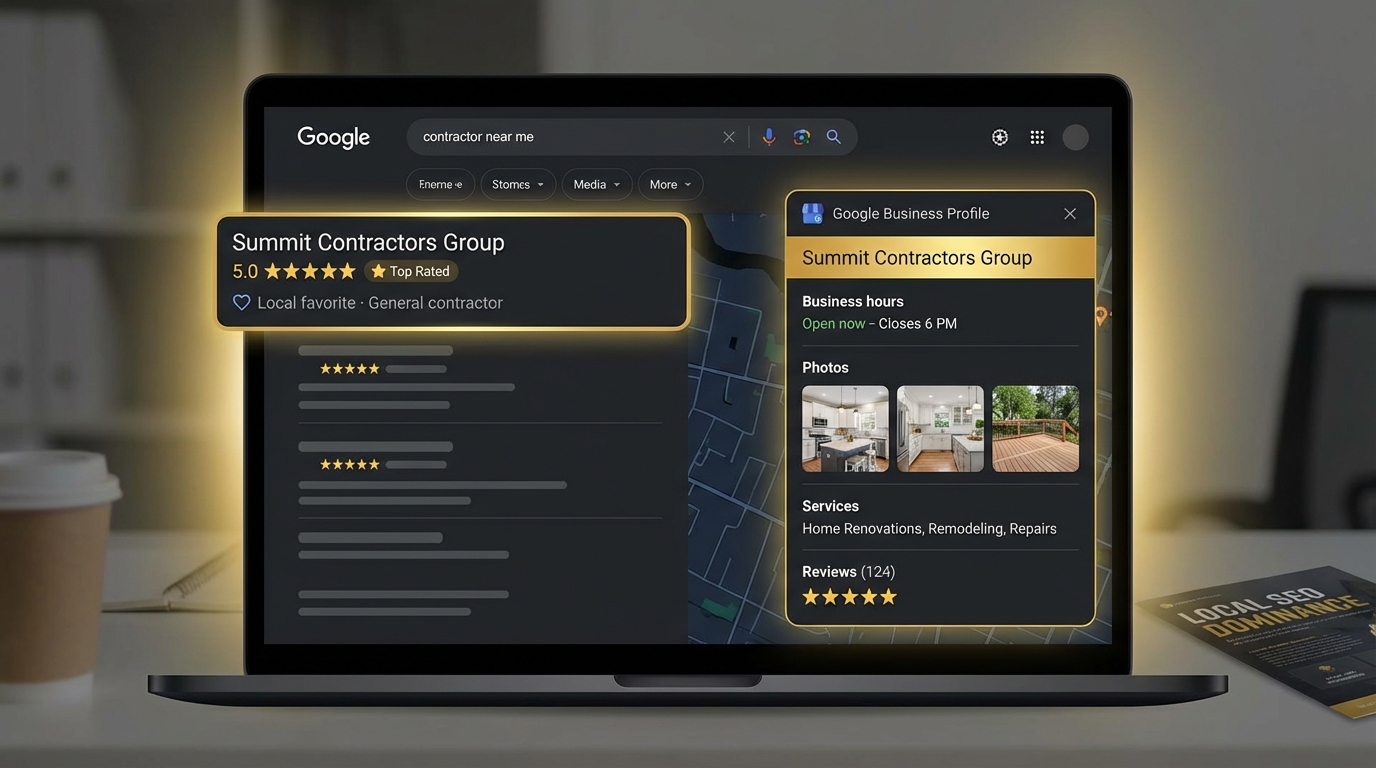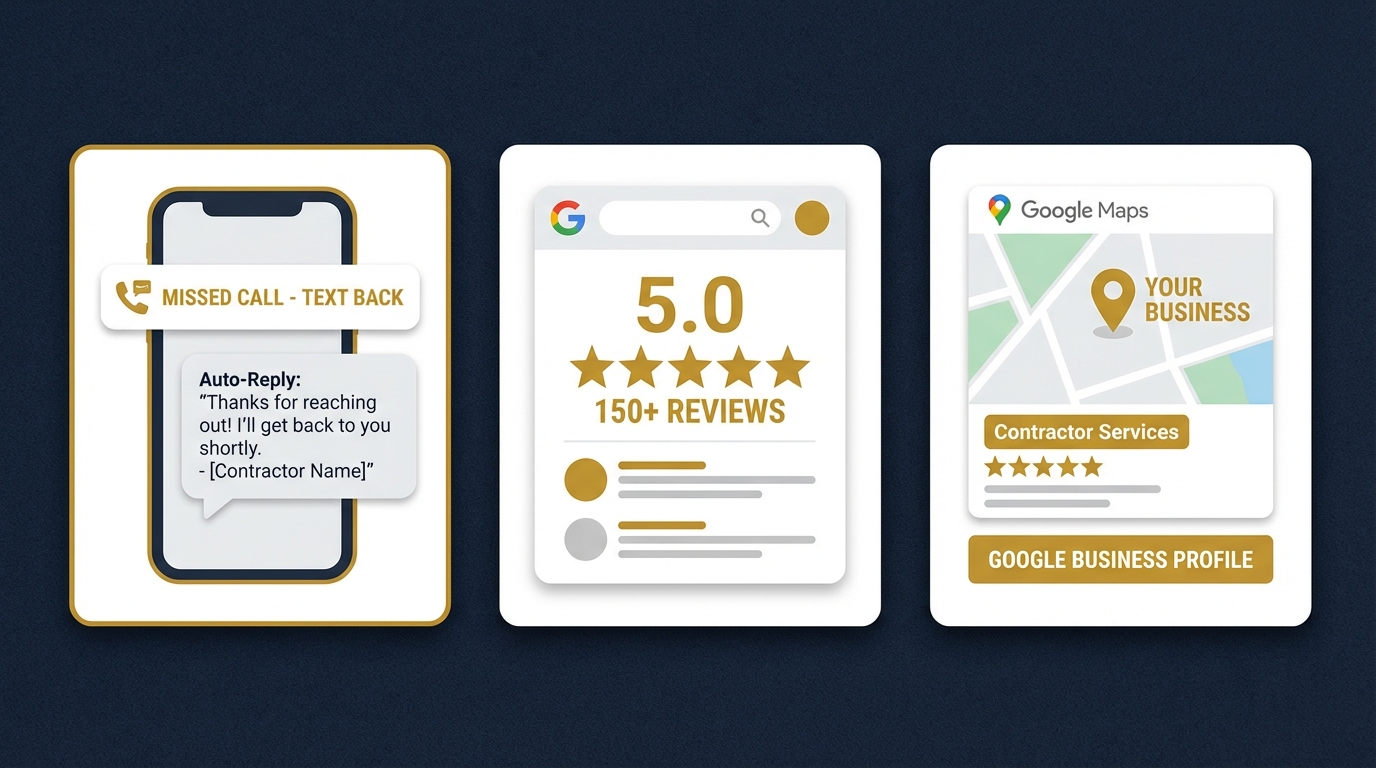
Your Google Business Profile is free, underused, and worth more than most $10K marketing campaigns.
Your Google Business Profile (GBP) is the single most valuable free asset you'll ever own as a contractor. It shows up before your website in 80%+ of local searches, drives calls, directions, and website clicks directly, and costs $0. Yet most contractors leave it half-completed and forget about it for a year at a time.
This is the complete field-by-field, feature-by-feature guide to turning your GBP into a lead engine. We'll cover every section, the 2026 changes you need to know about, and the ongoing maintenance that keeps you at the top of the map.
What You'll Learn
1. Claiming & Verifying Your Profile
If you haven't claimed your GBP, do this first. Search "Google Business Profile" and sign in with a Gmail dedicated to your business (not your personal email). Search for your business, claim it, and verify via postcard, video call, or phone depending on what's offered.
Verification takes 3-14 days. Don't skip it, unverified profiles barely rank.
2. Choosing the Right Categories
Your primary category is the single biggest relevance signal Google uses. Pick carefully.
Your primary category drives everything. Be specific:
- Wrong: "Contractor"
- Right: "Roofing contractor" or "Kitchen remodeler" or "HVAC contractor"
Add up to 9 secondary categories, but only ones you genuinely offer. Stuffing irrelevant categories triggers suspensions.
3. Business Name (and the Big Mistake)
Use your real, legal business name. Do not add keywords or locations ("Best Dallas Roofing Company LLC"). Google suspends profiles for this and competitors can report you.
Exception: If your actual registered name contains keywords (e.g., you really are "Dallas Roofing Co, LLC"), that's fine. But you can't edit the GBP name to add them.
4. Address, Phone, Hours
Use the exact same NAP (Name, Address, Phone) across every online listing. Local phone number preferred over toll-free. Hours must be accurate, and you must update them for holidays. Google demotes profiles with outdated hours.
For service-area businesses without a storefront, hide your address and add service areas instead (up to 20 cities/zip codes).
5. Services and Descriptions
Add every service you offer as an individual item. For each, write a 300-character description with keywords naturally included. Example:
Service: Asphalt Shingle Roof Replacement
Description: "Full asphalt shingle roof replacement across Dallas, Plano, and
Frisco. Licensed and insured, 50-year shingle options, financing
available. Free estimates, same-week scheduling on most jobs."
Do this for 10-30 services. It massively expands the search queries you rank for.
6. Photos and Videos
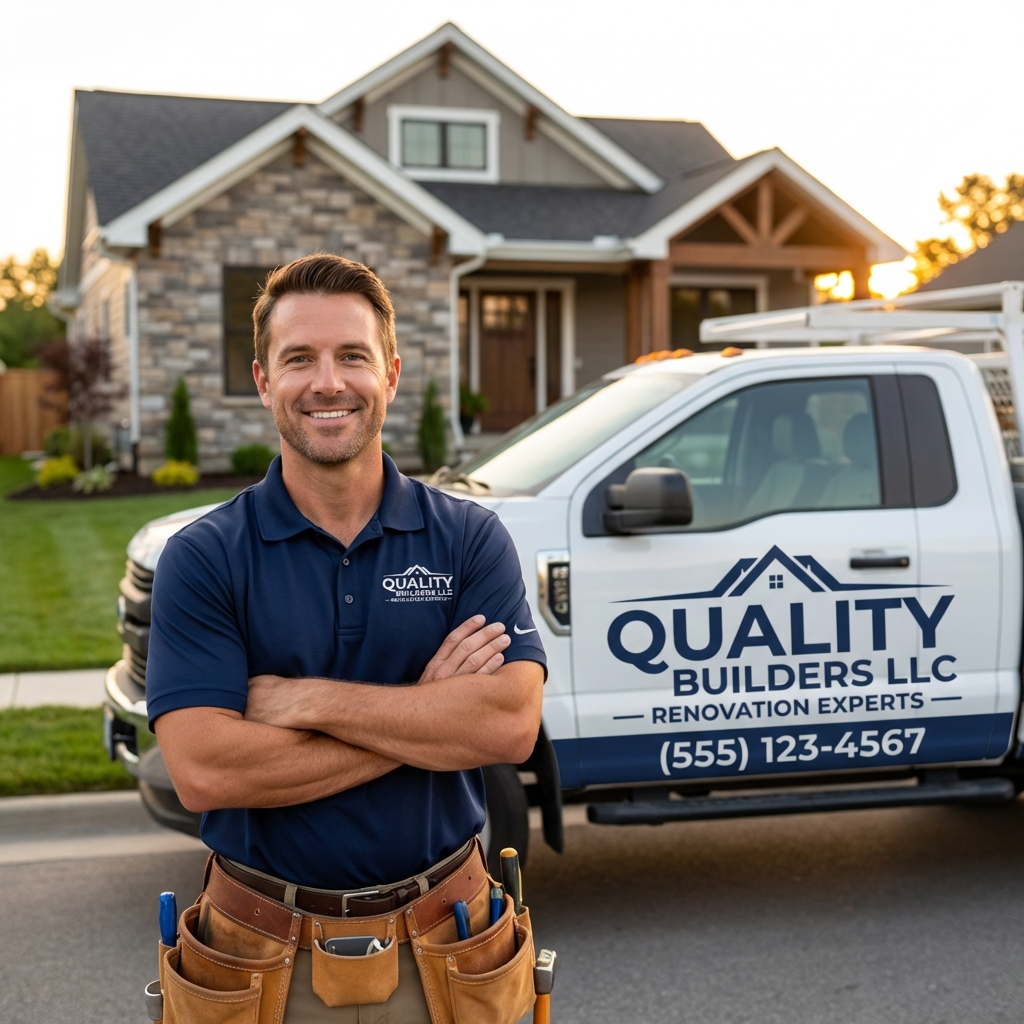
Photos drive clicks. Businesses with 100+ photos get 520% more calls than those with 1-5.
Upload 25+ photos at launch, then 2-5 new photos every week, forever. Include:
- Logo (square)
- Cover photo (wide, branded)
- Exterior shots (truck, office, crew)
- Before/after work photos (20+)
- Team photos
- Customer photos (with permission)
- Behind-the-scenes process photos
7. GBP Posts (Weekly)
Post 1-3 times per week. Types to rotate:
- Update posts: "Just finished a full kitchen remodel in Plano!"
- Offer posts: Seasonal promotions with a CTA button.
- Event posts: Home show, open house, customer appreciation.
- Product posts: Service highlights.
Each post should have an image, 150-300 words, and a CTA button. Posts expire after 7 days (except offers), so consistency matters.
8. Q&A Section
The Q&A section is under-used and under-moderated. Most contractors don't realize anyone, including competitors, can post questions and answers.
The fix: seed your own Q&A. Post 10-15 common questions from your Gmail, then answer them from your business account. Cover:
- "Do you offer free estimates?"
- "What areas do you serve?"
- "Are you licensed and insured?"
- "Do you offer financing?"
- "How quickly can you start?"
Monitor weekly for new questions. Answer within 24 hours.
Let Us Handle Your GBP
Our GBP optimization service handles every field, posts weekly, and manages photos. Included in the $297/mo system.
Book Your Free Demo9. Review Management
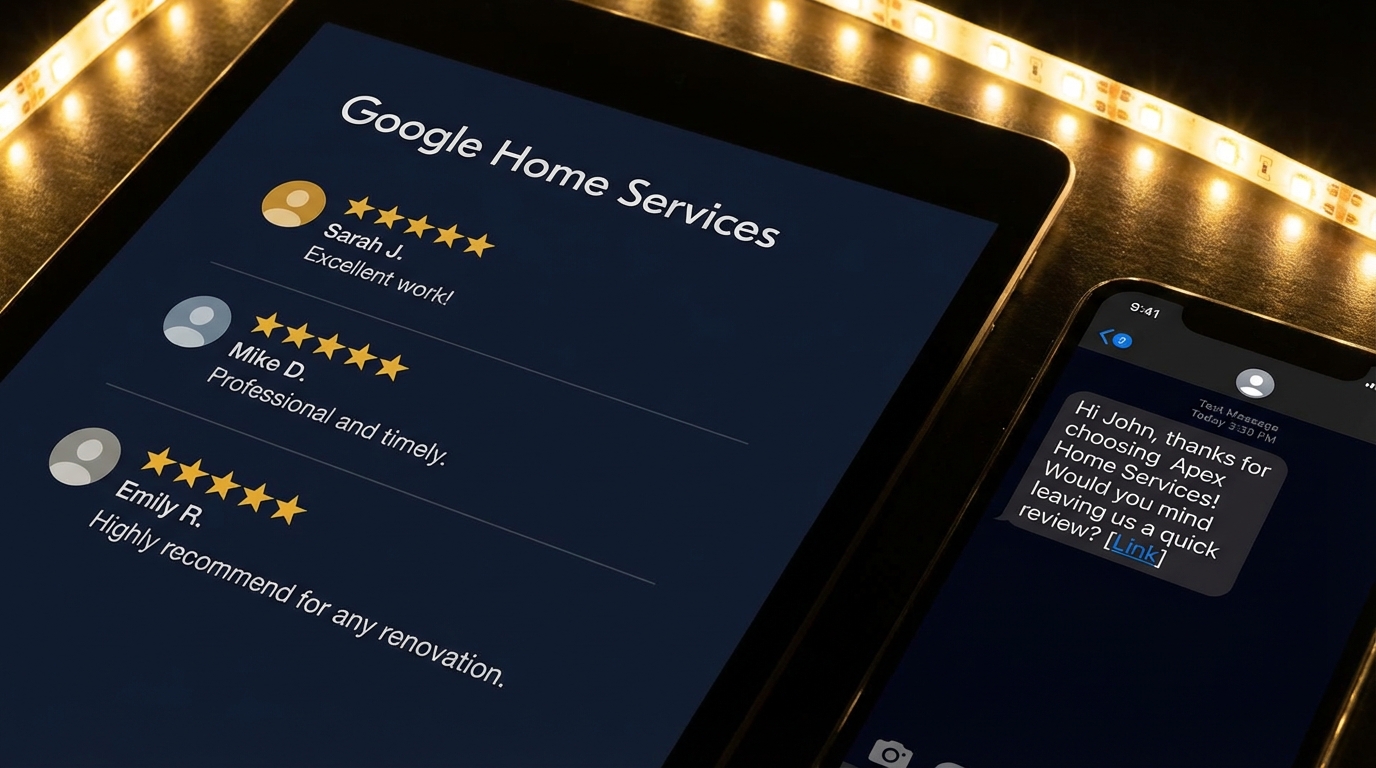
Review volume, recency, and responses are the top engagement signals Google tracks for GBP ranking.
Get more reviews, respond to all of them, within 48 hours. Full breakdown in how to get more Google reviews.
10. Messaging and Bookings
Turn on Messaging so homeowners can text you from your profile. Must respond within 24 hours or Google disables it. Better: route it through your AI webchat so every message gets answered in seconds.
If you offer online booking (for estimates), enable the Booking button and link to your calendar. This is one of the fastest conversion paths in local search.
11. Tracking with Insights
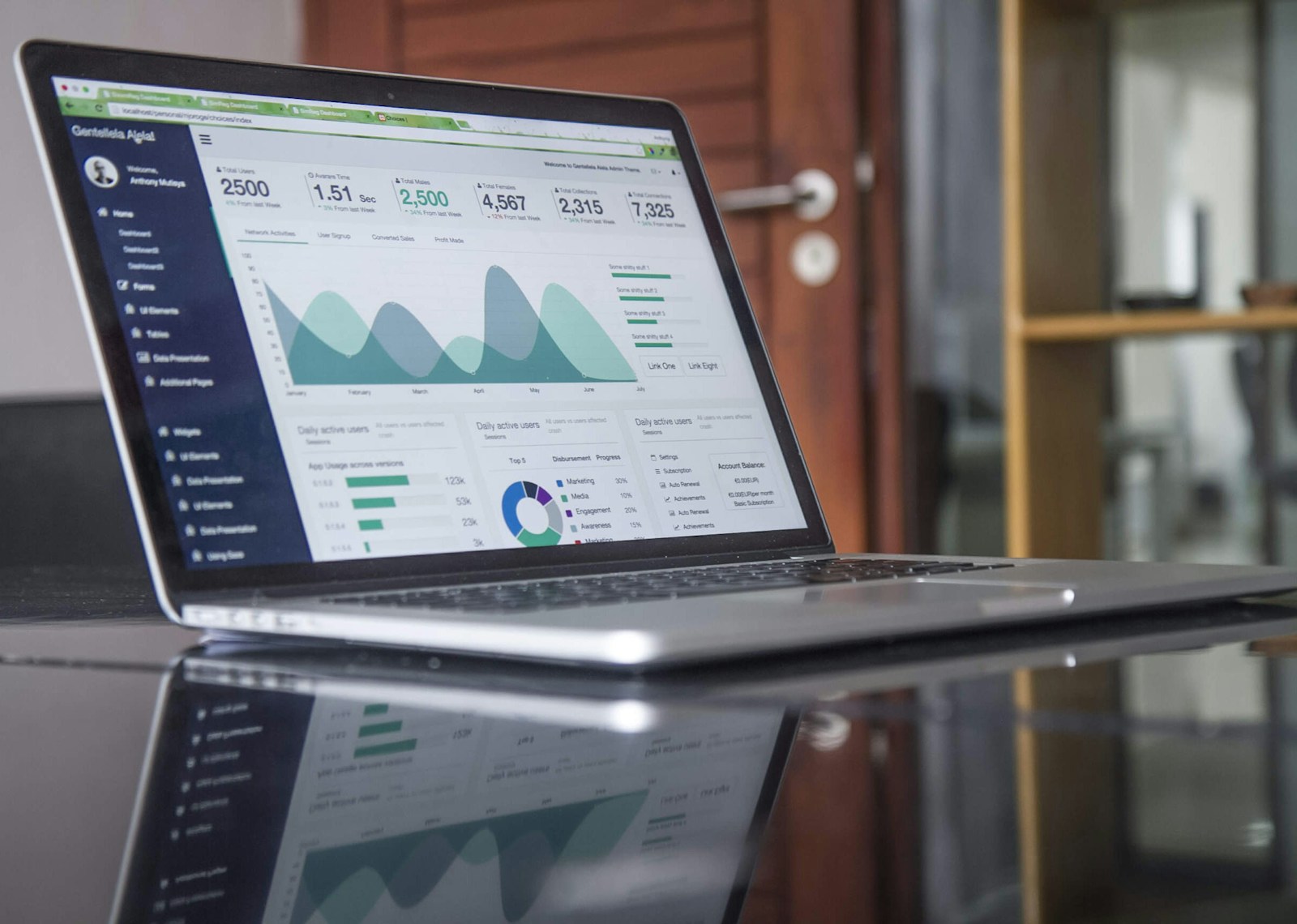
GBP Insights is free and shows you exactly what's driving calls and clicks. Check it monthly.
Review your GBP Insights monthly:
- Search queries: What people searched to find you.
- Profile interactions: Calls, direction requests, website clicks.
- Photo views vs. competitors.
- Post performance.
Use this data to adjust your categories, services, and content. See the Google Maps ranking guide and our full contractor marketing guide for the broader picture, plus contractor SEO strategy for search beyond Maps.
Bottom Line
Your GBP is free, compounds over time, and is the single highest-leverage marketing asset you own. Set it up right, maintain it weekly, and it will pay you back for the life of your business.
Or outsource it. Book a demo and we'll show you exactly what we do to client GBPs that takes them from invisible to 3-pack in 60-90 days.