
The single most valuable piece of digital real estate a contractor can own is not a website.
It's a Google Business Profile.
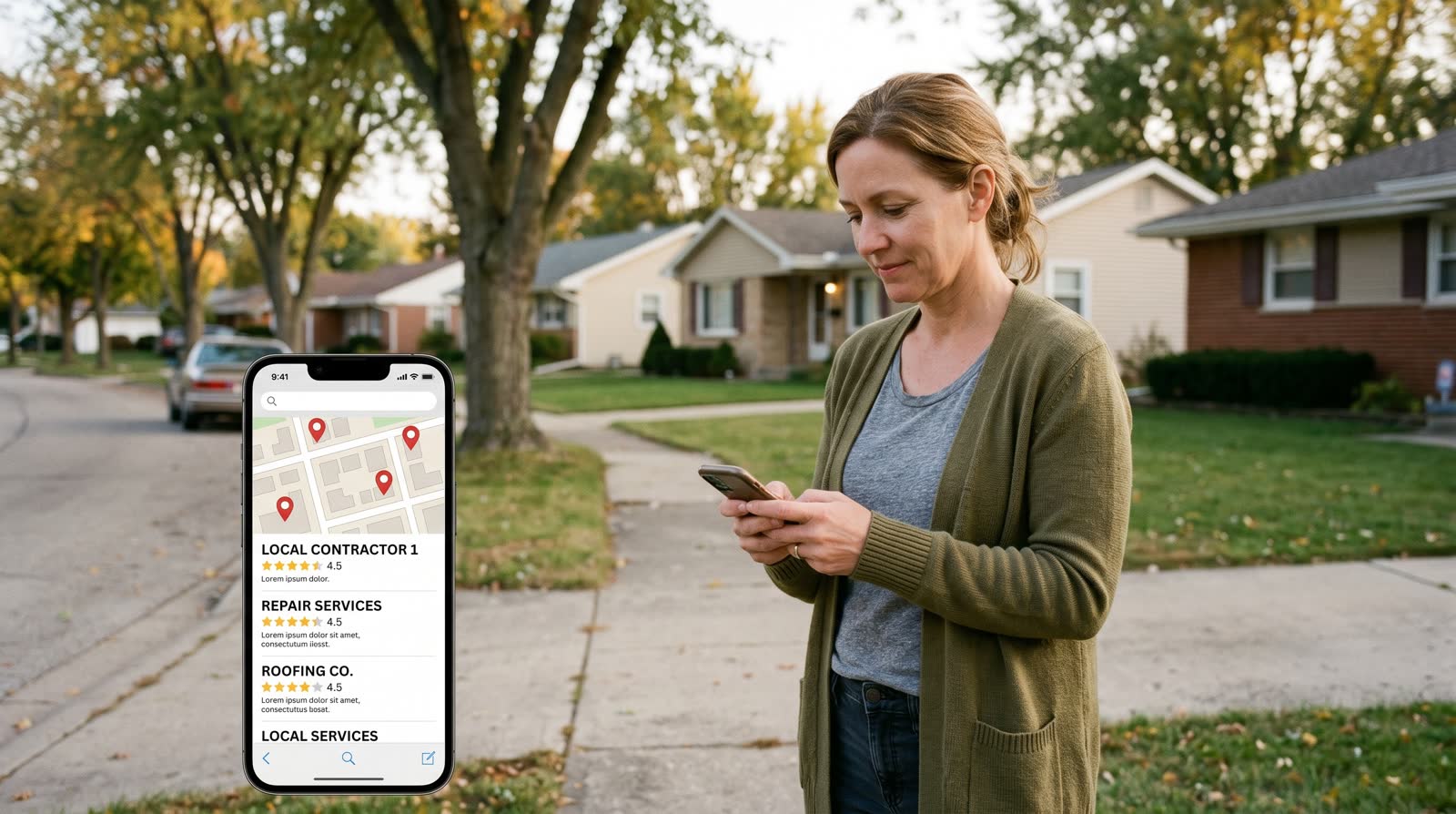
When a homeowner searches "roofer near me" or "plumber Pensacola," Google shows them three things in this order: paid ads, the Map Pack (3 local business listings with map pins), then organic website results. Most clicks go to the Map Pack. The contractors in those 3 spots are pulling the lion's share of every "near me" lead in their zip code.
The good news: ranking in the Map Pack is mostly a checklist. There are no secrets. There's just a set of optimization steps that almost every contractor skips, and a smaller set that does the work and dominates.
Here's the full 2026 playbook.
TL;DR
- The Google Map Pack drives more local contractor leads than your website.
- 3 factors decide ranking: relevance (categories + services), distance (service area + address), prominence (reviews + activity).
- Most contractors win the Map Pack by completing a 6-step optimization checklist their competitors ignore.
What the Google Map Pack actually is (and why it matters)
The Map Pack is the boxed section near the top of Google search results that shows 3 local businesses on a map. It only appears when Google detects local intent — searches like "roofer near me," "HVAC repair Pensacola," or "plumber 32501."
For local searches, the Map Pack gets roughly 44% of all clicks — more than the entire organic results section beneath it. If you're not in the top 3, you're invisible to most local searchers, no matter how good your website is.
Google decides who sits in those 3 spots based on three weighted factors:
- Relevance — does your profile match what the searcher typed?
- Distance — how close is your business to the searcher?
- Prominence — how active, reviewed, and trusted is your business?
Distance is mostly fixed (you can't move). Relevance and prominence are 100% within your control.
The 6-step optimization checklist

Step 1 — Verify your business
If your profile isn't verified, none of the other steps matter. Google needs to confirm you're a real business, usually via a postcard mailed to your business address (5–14 days) or a video verification call (faster). If you're a service-area business with no storefront, hide your address but still complete verification.
Step 2 — Pick the right primary category
This is the single highest-impact ranking decision you'll make. Your primary category is the #1 signal Google uses to decide what searches you appear for. Be specific — "Roofing Contractor" beats "Contractor." "Plumber" beats "Home Services." Then add 5–10 secondary categories for everything else you do (e.g., "Gutter Cleaning Service," "Storm Damage Restoration Service").
Audit your top 3 competitors who rank in the Map Pack. Whatever primary category they use, use the same one — they got there for a reason.
Step 3 — Add 25+ photos and post weekly
Google's algorithm rewards active profiles. Most contractors upload 4 photos at setup and never log back in. Don't be that contractor.
- Upload 25+ real job photos — before/after, in-progress, finished. Real photos beat stock every time.
- Add new photos weekly from active job sites (geo-tagged when possible)
- Post weekly Google Posts — short updates, offers, project highlights. They show in your profile and signal activity to Google.
Step 4 — List every service you offer
Inside your profile there's a "Services" section. Most contractors add 3–5 vague entries. Add 15–25 specific services with short descriptions:
- "Roof leak repair" — "Same-day diagnostic, most repairs $300–$800"
- "Asphalt shingle replacement"
- "Storm damage inspection"
- "Gutter installation"
- ...and so on
Each service description is indexed by Google. Each one is another reason your profile shows up for another long-tail search.
Step 5 — Set service area by zip codes (not "20-mile radius")
If you're a service-area business (you go to the customer), define your service area as a list of specific zip codes or city names — not a radius. Zip codes are concrete to Google. Radii are fuzzy. Pick the 8–15 zip codes that are profitable for you to serve and list them all.
Step 6 — Reply to every review within 24 hours
This is the most underrated ranking signal. Replying to reviews — every single one, both 5-star and 1-star — tells Google you're an active business. Most contractors never reply. Replying to all of them within 24 hours puts you in the top 5% of profile activity in your category.
5-star reply template: "Thanks so much, [Name]! Really appreciate you taking the time. Glad we could help with the [job type] — let us know if you ever need anything else."
1-star reply template: "Hi [Name], sorry to hear about the experience. We take this seriously — going to give you a call this morning to understand what happened and make it right. — [Owner name]"
The "secret" Google ranking signals most contractors miss
Beyond the checklist, three signals quietly move profiles up the Map Pack:
- Review velocity. 5 reviews this month beats 50 reviews from 2 years ago. Google weighs recency heavily. This is why an automated review funnel is non-negotiable.
- Review keywords. If your reviews mention specific services ("they fixed our roof leak" / "great HVAC service"), Google indexes those phrases and ranks you higher for those searches. Encourage customers to mention what you did.
- Profile activity. Posting weekly, responding to reviews, adding photos, answering Q&A — all of these tell Google you're an active business worth showing.
Common mistakes that tank GBP rankings
- Wrong primary category. "General Contractor" when you're really a roofer. You'll never rank for "roofer near me."
- Stuffing keywords in your business name. Adding "Best Roofing Pensacola FL" to your business name violates Google's policy. You can get suspended. Use your actual business name.
- Inconsistent NAP. Name, Address, Phone — if these don't match exactly across your website, Yelp, Facebook, and other directories, Google trusts you less.
- Letting reviews go unanswered. Especially negative ones. Silence looks worse than a thoughtful reply.
- Setting up and forgetting it. A profile that hasn't been updated in 6 months ranks worse than one that gets a weekly post. Activity is currency.
- Using a P.O. box. Google doesn't accept these. Use a real address or hide it as a service-area business.
Real-world example
A general contractor in Tennessee had a verified GBP for 3 years. Primary category was "Construction Company." 8 total reviews. No weekly posts. 4 photos. He was sitting at position 11 in the Map Pack — i.e., not visible.
We did the 6-step audit:
- Changed primary category to "General Contractor" (matched top 3 competitors)
- Added 27 real job photos
- Started weekly Google Posts
- Listed 18 specific services with descriptions
- Defined service area by 12 zip codes
- Installed a review funnel — 22 new reviews in 60 days
- Replied to every review within 24 hours
Day 1: Position 11. Day 30: Position 6. Day 60: Position 3. Day 90: Position 1.
Inbound calls from Google more than tripled. He didn't spend a dollar more on ads.
FAQs
How long does it take to rank in the Map Pack?
30–90 days for most contractors who properly execute the checklist and run a review funnel. Faster if your competition is weak (most rural and mid-size markets), slower in dense competitive metros.
Do I need to pay Google?
No. Google Business Profile is 100% free. Paid Google Ads can put you above the Map Pack, but the Map Pack itself is organic.
What if I don't have a physical address?
Set up as a service-area business and hide your address. You'll still rank, but your service area definition becomes more important.
Can I have multiple profiles for multiple service areas?
Only if you have multiple verified physical locations. One business, one profile. Trying to spin up fake locations is a fast way to get suspended.
How does this connect to my website?
Your GBP is the primary local SEO driver. Your website reinforces it — same NAP, location pages for each service area, embedded reviews. The two work together but the GBP carries most of the weight for "near me" searches.
What does done-for-you GBP optimization cost?
Standalone GBP services run $200–$500/month. At Double G, GBP optimization is included in our $297/month all-in stack — alongside your website, missed call text-back, review funnel, and reputation dashboard.
The bottom line
If you're a contractor and you're not in the top 3 of the Google Map Pack for your service + city, you're losing the largest single source of local leads to whoever is. Closing that gap isn't about luck or paying Google. It's about completing a 6-step checklist almost no one bothers to do.
The contractors who do the work win the map. The contractors who skip it stay invisible. There's no third option.
If you want your GBP fully optimized, paired with a review funnel, missed call text-back, AI receptionist, and a website that converts — built and live in 5–7 business days for $297/month, month-to-month — book a free 15-minute demo and we'll audit your current GBP on the call.
Own the Google Map Pack in your zip code.
Book Your Free Demo →