
Hiring a receptionist for a small contracting business is a $40,000-a-year decision.
An AI receptionist that answers every call in under 2 rings, books appointments straight to your calendar, and never misses a lead — costs less than $300 a month, doesn't sleep, and doesn't quit.
Five years ago this was a science-fiction promise. Today it's a working tool that contractors are quietly using to capture every after-hours call, every lunch-hour call, and every "I'm on a roof" call their competitors are dropping into voicemail.
Here's what an AI receptionist actually does, what it sounds like to a homeowner, and how to know if your business is ready for one.
TL;DR
- An AI receptionist answers your business phone 24/7, captures lead details, and books jobs to your calendar — without you hiring a human.
- The 2026 generation sounds genuinely human, handles interruptions, and doesn't loop like an old IVR.
- Most contractors using one capture 30–50% more leads in the first month, mostly from after-hours and weekend calls.
Why your voicemail is bleeding money
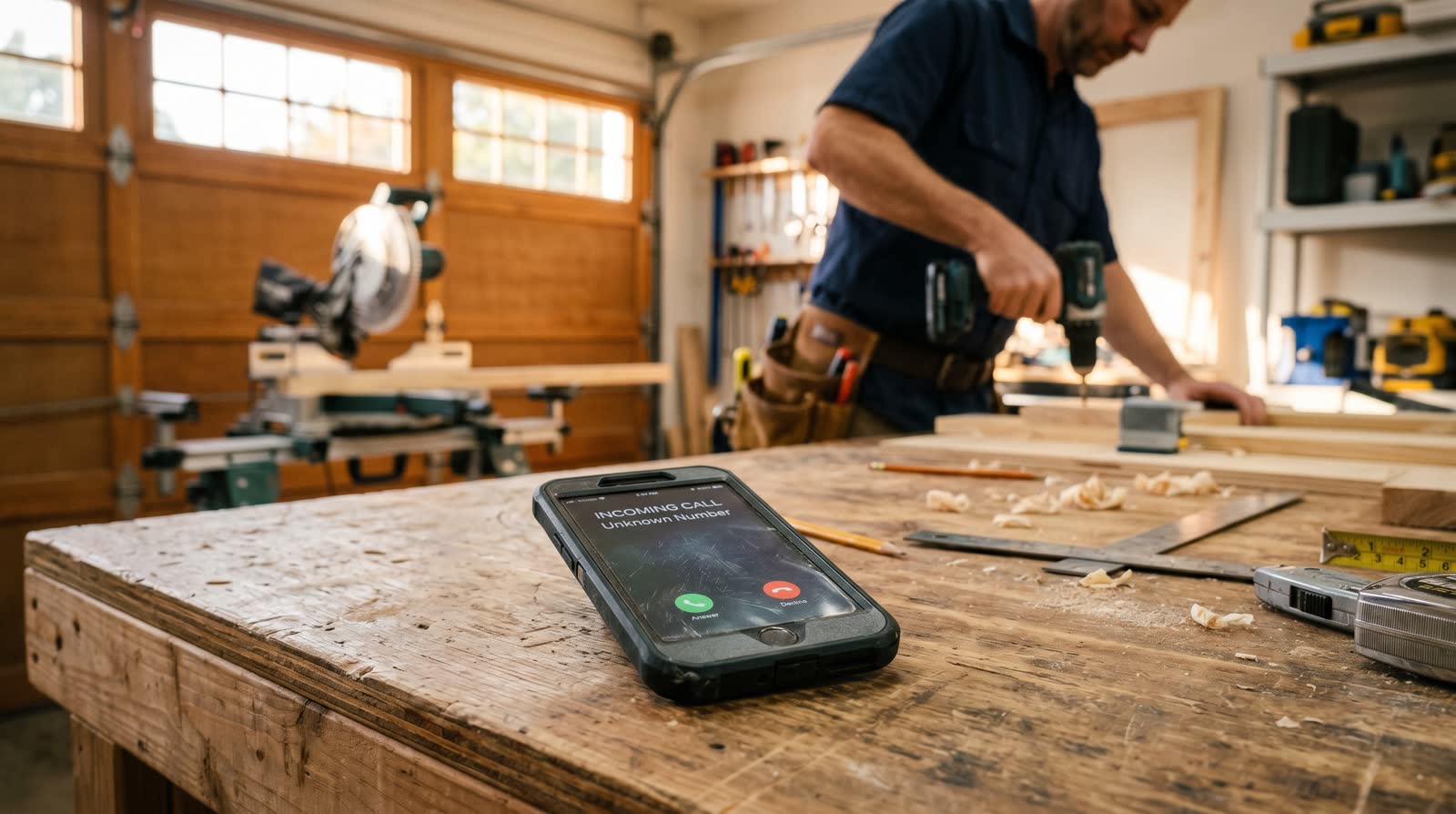
Most contractor calls don't come during business hours. They come at 7pm when the homeowner finally sits down after dinner and remembers the leak in the basement. Or 11am Saturday after they walk the property and notice something. Or 6am Monday before work.
If those calls go to voicemail, here's what happens:
- ~80% of callers will not leave a voicemail — they hang up and call the next contractor
- ~50% of callers who don't reach a human hire whichever competitor answers first
- Your phone is a 24/7 sales channel — but you're only staffing it 8 hours a day
Hiring a human to cover 24/7 means 3+ shifts at ~$18/hr — call it $130k/year all-in. That's not realistic for most small contractors. AI is.
What an AI receptionist actually is
It's a software-based voice agent that picks up your business line when you can't. It uses real human-sounding voice synthesis (not the robotic "press 1 for sales" trees you remember from 2010) and conversational AI to:
- Greet the caller by your business name
- Ask qualifying questions ("What kind of project?" "Where are you located?" "Is this an emergency?")
- Capture name, phone, address, and job details
- Book the appointment directly to your calendar (or pass it to you for confirmation)
- Text you a full call summary within 60 seconds of hangup
- Optionally transfer to your cell if the caller wants a human
The whole call sounds like a calm, friendly office manager. Most homeowners don't realize they're talking to AI — and the ones who do don't care, because they got their question answered at 9pm on a Sunday.
How an AI receptionist works in 4 steps

Step 1 — Customer calls your existing business number. No new number, no porting. Calls route to AI when you don't pick up after a set number of rings (or always, depending on how you configure it).
Step 2 — AI answers in under 2 rings. "Hey, thanks for calling Double G Roofing — this is the front desk, how can I help?" Sounds human. Doesn't sound scripted.
Step 3 — AI captures the job details. Name, phone, address, project type, urgency, timeline. If the caller asks about pricing or services, the AI answers from your trained knowledge base ("we do roof repair, replacement, and storm damage — most repairs run $300–$1,500").
Step 4 — Booked and you're notified. AI books the appointment to your Google or GHL calendar, then texts you a summary: "Sarah called at 7:14pm — needs a leak repair quote on a 2-story home in Pensacola. Booked for Tuesday at 10am. Full transcript here."
You wake up Monday with 3 booked appointments instead of 3 missed calls.
What it sounds like (real example)
AI: "Hey, thanks for calling Double G Roofing — this is the front desk. How can I help?"
Caller: "Yeah, I think I have a leak around my chimney. Can someone come out?"
AI: "Absolutely — I can get someone scheduled for an inspection. Can I grab your name and the address?"
Caller: "Sure, it's John Mitchell, 412 Oak Street, Pensacola."
AI: "Got it, John. Is this urgent — like active dripping right now — or can it wait for a regular appointment this week?"
Caller: "It's not dripping yet but I'm worried about the next storm."
AI: "Makes sense. We have an opening Tuesday morning at 10 or Thursday at 2. Either work?"
Caller: "Tuesday's good."
AI: "Perfect. You're booked for Tuesday at 10am. You'll get a text confirmation in a sec, and Mike will give you a call 30 minutes before he heads out. Anything else?"
That entire conversation took 90 seconds. The contractor was on a job. The homeowner has an appointment. The competitor who didn't answer the call has nothing.
Inbound vs. outbound AI agents
There are two types of AI voice agents and they serve different purposes. Don't confuse them.
Inbound AI receptionist
What it does: Answers calls coming to your business. Captures leads, books jobs, sounds like an office manager. This is what 95% of contractors actually need.
When it fires: 24/7, or only when you don't pick up, depending on settings.
Outbound AI agent
What it does: Calls leads for you — typically follow-ups on old quotes, lapsed customers, or new lead lists. Says it's calling on behalf of your business.
When it fires: On your schedule. Useful for re-engaging cold lists. Most contractors should master inbound first.
AI web chat agent
What it does: Sits on your website as a chat bubble. Answers questions, captures leads, books appointments — same as the phone agent but in text. Pairs naturally with the phone version.
What to look for in a contractor AI receptionist
- Trained on your business specifically — services, pricing ranges, service areas, hours, FAQs
- Books directly to your calendar (Google, GHL, Calendly, etc.)
- Texts you a call summary within 60 seconds of every call
- Human transfer option ("I'd like to talk to someone" → forwards to your cell)
- Handles interruptions naturally — sounds like a person, not a robot reading a script
- Works with your existing business number (no porting, no new line)
- Unlimited or generous call minutes at a flat monthly rate
- Pairs with missed call text-back as a fallback if the caller hangs up before the AI engages
Common objections (and the honest answers)
"Won't customers hate talking to a robot?"
The 2026 generation of voice AI doesn't sound like a robot. It sounds like a calm office manager. The customers who would hate the experience are the ones who'd hate any automated system — and they're the same people who hang up on voicemail. The ones who want their question answered get their question answered.
"What if it screws up a quote or commits to something wrong?"
Good AI receptionists are configured to never quote final prices or commit to specific work scope. They give ranges ("most repairs run $300–$1,500") and book the inspection. The actual quote happens when you show up, just like normal.
"What about emergencies?"
Configure an "emergency" path. If the caller says "leak," "no heat," "no water," or "emergency," the AI immediately offers to transfer to your cell. You stay in the loop on everything urgent without staffing the phone 24/7.
"How much does it cost?"
Standalone AI voice agents (Bland, Vapi, etc.) range from $0.05–$0.15/minute plus setup, typically $200–$1,000+/month for a small contractor. At Double G, the AI inbound, AI outbound, and AI web chat agents are included in our $297/month all-in stack.
"How fast can it be set up?"
3–7 business days from kickoff. Most of that is training the AI on your specific services, pricing, and FAQs so it sounds like it actually works for your company.
Real-world example
A residential plumber in Texas was running ~30 calls a week. He answered about 18 (during business hours), missed 12 (after-hours, lunch, on jobs). Of the 12 missed, he closed 2 from voicemails the next day.
He installed an AI inbound receptionist. First 30 days:
- Same 12 missed-during-business calls/week, now answered by AI
- +18 after-hours calls/week that previously went to voicemail (he didn't even know he was getting them)
- 22 of 30 weekly missed/after-hours calls booked appointments via AI
- ~14 became paid jobs
Net new revenue from the AI receptionist alone: ~$22,000/month at his average ticket. Cost: $297/month included in his stack.
Common mistakes to avoid
- Skipping the training phase. A generic AI sounds generic. Spend the first week giving it your real services, pricing ranges, hours, and 10–20 common FAQ answers.
- Not setting an emergency transfer path. Configure clear keywords that trigger a live transfer to your cell.
- Letting the AI quote final prices. Give ranges. Book the inspection. Quote in person.
- No human fallback. Some callers will always want a person. Make sure "transfer to a human" is always an option.
- Ignoring the call summaries. Read every transcript for the first 2 weeks. You'll spot weak spots in the AI's training and fix them fast.
Is your business ready for an AI receptionist?
You're ready if:
- You miss more than 3–5 calls per week
- You get any meaningful volume of after-hours or weekend calls
- Your service offerings are stable enough to teach an AI (most contractors are)
- You can dedicate 1–2 hours up front to training the AI on your business
You're not ready if you're a one-person shop doing 1–2 jobs/week and answering every call yourself comfortably. For everyone else, the math is one-sided.
The bottom line
Your phone is your single largest sales channel. Every call you don't answer is a quote you don't get. A receptionist costs $40k+/year. AI costs $297/month and works at 7pm on a Sunday.
If you want an AI inbound receptionist trained on your business, paired with missed call text-back and your review funnel — built and live in 5–7 business days for $297/month, month-to-month — book a free 15-minute demo and we'll show you exactly what it'll sound like for your business.
Stop sending leads to your voicemail.
Book Your Free Demo →